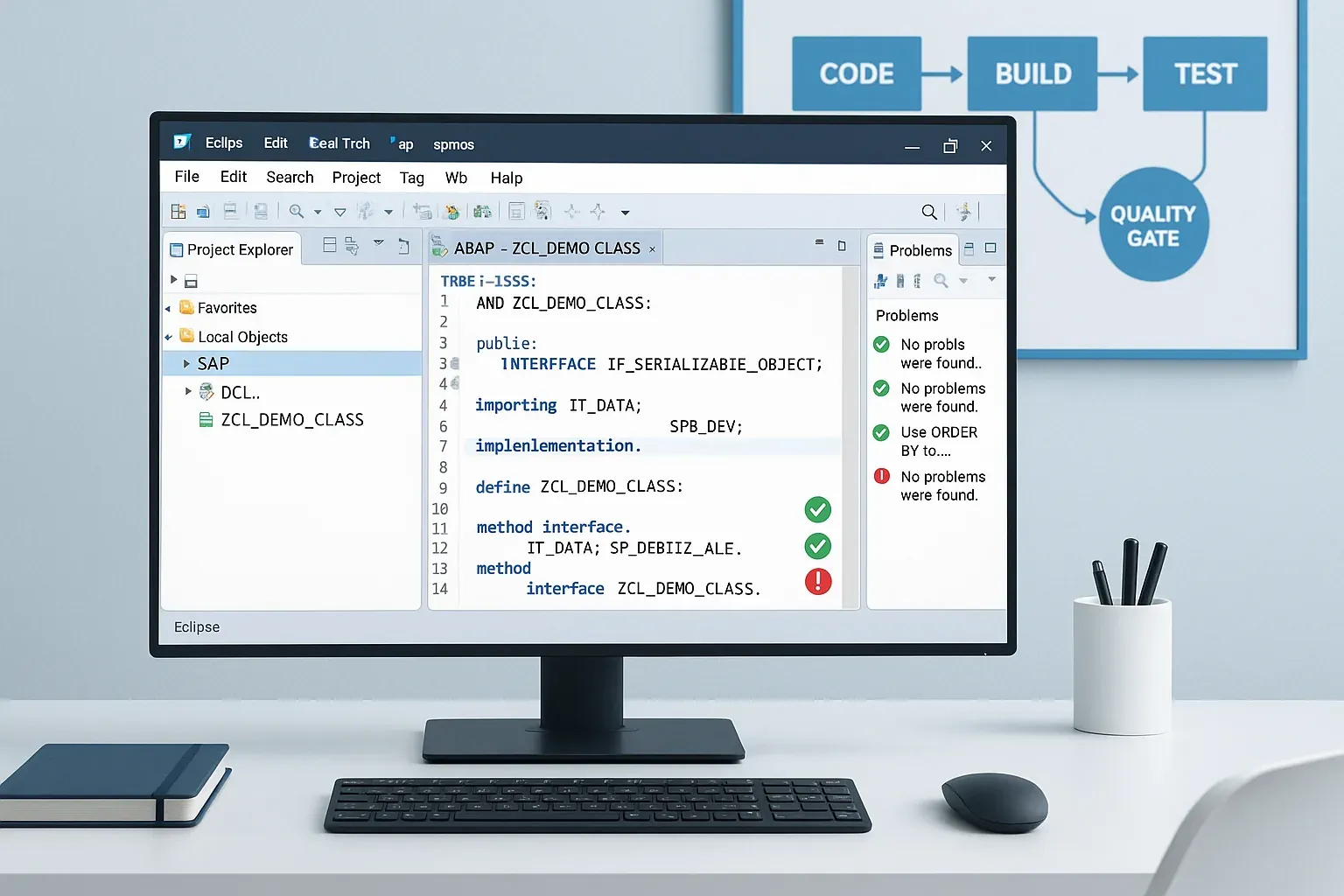
If you've ever inherited a codebase riddled with SQL injections, hardcoded client bypasses, and performance anti-patterns, you know exactly why ABAP ATC Code Inspector tooling exists. Setting up automated quality gates is one of the highest-leverage investments a senior architect can make for a development team — and yet, surprisingly few SAP shops actually do it properly. In this article, I'll walk you through how to configure the ABAP Test Cockpit (ATC) and Code Inspector (SCI) to act as real enforcement checkpoints, not just decorative dashboards that developers click through and ignore.
Why Automated Quality Gates Actually Matter
Let me be blunt: code reviews are essential, but they don't scale. When you have five developers pushing twenty objects a day, the odds that a human reviewer catches every SELECT * or every missing authorization check drop quickly. Automated quality gates change the economics entirely. They run consistently, they don't get tired, and they don't feel uncomfortable flagging a senior developer's code.
The ABAP ecosystem gives you two main tools for this:
- Code Inspector (SCI / transaction SCI) — the underlying static analysis engine that contains hundreds of individual checks organized into check variants.
- ABAP Test Cockpit (ATC) — the integrated quality management layer that sits on top of Code Inspector, adds workflow and exemption management, and integrates with transport requests and Eclipse ADT.
Think of SCI as the engine and ATC as the car. For team-wide automation, you primarily configure ATC — but you need a solid SCI check variant behind it.
The Architecture of a Quality Gate Pipeline
Before we touch any configuration, let's agree on the mental model. A well-designed quality gate pipeline in SAP has three enforcement points:
- Developer workstation (ADT / Eclipse) — ATC runs on-demand or automatically when the developer saves. This is your earliest feedback loop.
- Transport release — ATC is configured to block or warn when a developer tries to release a transport. This is the gatekeeper before code leaves development.
- System-wide scheduled analysis — Nightly or weekly ATC runs across entire packages, generating trend reports. This is your audit trail and technical debt tracker.
Most teams only implement point one and wonder why quality problems still reach production. You need all three layers working together.
Step 1: Building a Meaningful SCI Check Variant
Navigate to transaction SCI and go to Check Variant → Create. Don't copy SAP's default variant blindly — it's a fire hose. Instead, build a variant that maps to your team's actual standards. Here's a prioritization framework I use:
Priority 1 — Hard Blockers (must fix before transport release)
- Security checks: SQL injection risks, missing authorization checks (AUTHORITY-CHECK), client-independent table modifications
- Syntax and transportability: Syntax errors, objects not activation-safe
- Hardcoded values: Hardcoded client numbers, hardcoded system URLs
Priority 2 — Warnings (must acknowledge with justification)
- Performance: SELECT inside loops, missing WHERE clause, SELECT *, full table scans on large tables
- Modern ABAP compliance: Usage of obsolete statements (MOVE, COMPUTE, WRITE TO for type conversion)
- Naming conventions: Custom check variants using your own naming rules
Priority 3 — Informational (visible in reports, not blocking)
- Missing comments on public methods
- Complexity metrics (cyclomatic complexity thresholds)
- Dead code detection
Save this variant with a meaningful name like ZTEAM_STANDARD_V1. Version your variant name — when you tighten standards later, you want traceability.
Step 2: Configuring ATC in Transaction ATC
Go to transaction ATC (or use the SAP menu path Tools → ABAP Workbench → Test → ABAP Test Cockpit). The key configuration objects you need to understand are:
ATC Configuration
Create a central ATC configuration object (transaction ATC → Configuration → Create). Link your SCI check variant here. The configuration also controls:
- The maximum number of findings before a run is considered failed
- Which priority levels are treated as errors vs. warnings
- The system landscape (central vs. local ATC execution)
ATC Exemption Workflow
This is where most teams get the workflow wrong. Exemptions are not a free pass — they're a documented technical debt acknowledgment. Configure the exemption workflow so that:
- Priority 1 findings cannot be exempted by the developer themselves (require architect approval)
- Exemptions have a mandatory justification text and expiry date
- All exemptions are logged and reviewable in the ATC results browser
You configure this under ATC → Customizing → Exemption Approval in your system's Customizing (transaction SPRO or directly via ATC). Assign the approval role to a lead developer or architect role — not a basis admin who'll just click approve on everything.
Step 3: Enforcing Quality Gates on Transport Release
This is the step that gives your quality gate actual teeth. By default, ATC findings are advisory. To block transport release, you need to configure the transport system integration.
Go to transaction SE03 → Set Up System for Transport of ABAP Objects, or use SPRO under SAP NetWeaver → Application Server → ABAP Development → Transport Organizer → Configure ATC Integration.
The key settings are:
- Activate ATC check at transport release: Set to active
- ATC configuration to use: Point to your
ZTEAM_STANDARD_V1-based ATC configuration - Blocking behavior: Define which priority levels block the release vs. only warn
I recommend starting with warning only for the first month after rollout. This gives developers visibility without the shock of suddenly being unable to release anything. After one month, tighten to blocking on Priority 1 findings. After three months, consider blocking on unexempted Priority 2 findings as well.
Step 4: Integrating ATC with Eclipse ADT for Developer Feedback
The earlier a developer sees a finding, the cheaper it is to fix. Integrate ATC into Eclipse ADT so findings appear inline in the code editor.
In Eclipse ADT, developers configure their ATC preferences under Window → Preferences → ABAP Development → ATC. The key setting is pointing the ADT client to the central ATC system so that the same check variant used for transport gates is also used during development-time analysis.
Train your team to run ATC checks before every transport using the right-click context menu in ADT (Run As → ABAP Test Cockpit). Better still, configure project-level ATC to run automatically on activation. This setting is available in newer ADT versions and prevents the "I forgot to check" excuse entirely.
Step 5: Scheduling System-Wide ATC Runs
For technical debt tracking and compliance reporting, schedule regular system-wide ATC runs using program RS_ATC_START or the equivalent ATC scheduling transaction. Configure it to analyze your custom package hierarchy (all Z* and Y* packages, or better yet, your structured package tree).
These runs produce results you can trend over time: Are we improving? Are certain packages or teams generating disproportionate findings? Is a specific check seeing a spike after a new sprint?
Export results to a central ATC results store and build a simple dashboard — even a spreadsheet updated weekly works for small teams. For larger organizations, integrate with SAP Solution Manager's Quality Gate Management or use the ATC REST API to push findings into an external metrics tool.
Writing Custom Check Variants for Team-Specific Rules
Standard SCI checks don't cover everything. If your team has specific naming conventions, architectural rules (e.g., "no direct database access in UI layer classes"), or custom deprecated API lists, you can write custom SCI checks using the CL_CI_TEST_ROOT framework.
Here's a minimal skeleton for a custom SCI check class:
CLASS zcl_ci_check_no_direct_select DEFINITION
  PUBLIC
  INHERITING FROM cl_ci_test_root
  FINAL
  CREATE PUBLIC.

  PUBLIC SECTION.
    METHODS: constructor,
             run REDEFINITION.

ENDCLASS.

CLASS zcl_ci_check_no_direct_select IMPLEMENTATION.

  METHOD constructor.
    super->constructor( ).
    description = 'No direct SELECT in UI layer classes'.
    category     = 'ZTEAM_CHECKS'.
    version      = '001'.
    position     = 001.
  ENDMETHOD.

  METHOD run.
    DATA: lt_statements TYPE sstmnt_tab.

    " Retrieve ABAP statements from the code object under analysis
    me->get_stmnt_tab( IMPORTING p_stmnt_tab = lt_statements ).

    LOOP AT lt_statements INTO DATA(ls_stmt)
      WHERE keyword = 'SELECT'.
      " Check if the class name matches UI layer naming pattern
      IF me->object_name CS 'ZCL_UI_' OR me->object_name CS 'ZCL_VIEW_'.
        me->add_finding(
          p_sub_key  = '001'
          p_kind     = mc_fndknd_warning
          p_position = ls_stmt-from
          p_detail   = 'Direct SELECT found in UI layer class - use a data access layer instead'
        ).
      ENDIF.
    ENDLOOP.
  ENDMETHOD.

ENDCLASS.
Register your custom check class in SCI under Check Variant → Edit → Add Check by specifying your class name. Custom checks run alongside standard ones within the same ATC pipeline — no special plumbing required.
Common Mistakes When Rolling Out ATC
I've helped multiple teams implement ATC and the same failure patterns come up repeatedly:
Mistake 1: Activating All Checks at Maximum Priority on Day One
This generates thousands of findings on existing code, developers feel overwhelmed, leadership sees the metrics as catastrophic, and the whole initiative gets quietly shelved. Start narrow, focus on security and blockers, then expand scope incrementally.
Mistake 2: No Exemption Governance
Without an approval workflow, exemptions become the path of least resistance. Within weeks, 80% of findings are "exempted" with justification text like "legacy code" or "will fix later." Implement the approval gate from day one.
Mistake 3: Different Check Variants in Dev vs. CI Gate
If developers run a lenient variant locally and the transport gate uses a strict variant, you create frustration and distrust in the tooling. Keep one authoritative check variant referenced everywhere.
Mistake 4: Not Training Developers on How to Interpret Findings
ATC findings can be cryptic. A finding about "client-independent table change" means nothing to a developer who doesn't know what client independence is. Run a two-hour workshop when you launch, covering the top 10 most common finding types and how to fix them. This investment pays back within the first sprint.
Connecting ATC to Your Clean Code Culture
ATC and Code Inspector are tools, not culture. They work best as the automated enforcement layer of a broader clean code commitment. If your team is actively working on refactoring legacy patterns and improving code quality, ATC gives that effort structure and measurability.
Consider pairing your ATC rollout with internal code review guidelines, a clean code backlog, and regular architecture review sessions. The tooling catches the mechanical issues; the culture handles the design-level concerns that static analysis can't see.
If you're new to refactoring legacy ABAP code toward modern standards, my article on ABAP Clean Code in Practice: Refactoring Legacy SAP Code to Modern Standards covers the broader strategic approach that complements what ATC enforces mechanically.
For testing discipline alongside quality gates, combining ATC with a solid unit testing practice creates a genuinely robust quality system. See ABAP Unit Testing in SAP S/4HANA: A Senior Architect's Guide to Writing Tests That Actually Matter for a deep dive on the testing side.
Error handling quality is another area where ATC checks and code standards intersect. Consistent exception architecture reduces the number of findings related to unhandled exceptions and improper error propagation. ABAP Class-Based Exceptions: From Theory to Production-Grade Error Hierarchies gives you the patterns to build on.
Finally, if your team is building extensions and enhancements, keeping those clean through the quality gate is especially important since enhancement code often escapes scrutiny. BAdI vs Enhancement Spots vs User Exits: A Modern Architect's Decision Framework helps you choose the right extension pattern before you write the code that ATC will analyze.
Summary: Your ATC Rollout Checklist
- ✅ Create a tiered SCI check variant with clear Priority 1/2/3 categories
- ✅ Configure an ATC configuration object referencing your variant
- ✅ Implement exemption workflow with mandatory approvals for Priority 1
- ✅ Enable ATC integration on transport release (warn first, then block)
- ✅ Configure Eclipse ADT to use the central ATC system
- ✅ Schedule nightly system-wide runs and track trends over time
- ✅ Write custom checks for team-specific architectural rules
- ✅ Run a developer training session before go-live
- ✅ Review and tighten the configuration every quarter
Automated quality gates aren't about catching developers doing bad work — they're about making good work the path of least resistance. When your pipeline enforces standards consistently and fairly, developers stop arguing about style and start focusing on solving business problems. That's the outcome worth building for.
Frequently Asked Questions
What is ABAP Code Inspector (SCI)?
ABAP Code Inspector (transaction SCI) is SAP's built-in static code analysis tool. It scans ABAP objects against configurable check variants and reports issues ranging from syntax warnings to security vulnerabilities and performance anti-patterns. It is the underlying engine behind the ABAP Test Cockpit (ATC).
What is the difference between ABAP Code Inspector and ATC?
Code Inspector (SCI) is the check engine. ATC (ABAP Test Cockpit) is the governance layer built on top: it adds exemption workflows, transport-release blocking, scheduling, and central result reporting. In practice: SCI defines what to check, ATC defines when and how checks are enforced across the landscape.
How do I run ABAP static code analysis?
Three options: (1) Run transaction SCI manually and select objects to inspect. (2) Use Eclipse ADT: right-click any ABAP object and choose Run As > ABAP Test Cockpit. (3) Configure ATC to trigger automatically on transport release via transaction ATC. For team-wide enforcement, option 3 is the only one that scales.
What ABAP code quality checks should I enable first?
Start with three high-signal, low-noise categories: (1) Security: missing authorization checks, dynamic SQL with unescaped input. (2) Performance: SELECT *, SELECT inside loops, missing secondary indexes. (3) Robustness: unhandled exceptions, unassigned variables. Avoid enabling naming-convention checks as transport blockers early on; they create alert fatigue without security value.
Can ATC block a transport release automatically?
Yes. In transaction ATC under Transport Release, set the check variant and the blocking-priority threshold. Any finding at or above that priority prevents transport release until the issue is fixed or formally exempted. This is the most reliable enforcement point because it sits on the critical path every developer must pass through.
Further Reading
Governing custom enhancements starts with the right extension technique — see BAdIs vs Enhancement Spots vs User Exits: A Modern Architect's Decision Framework.