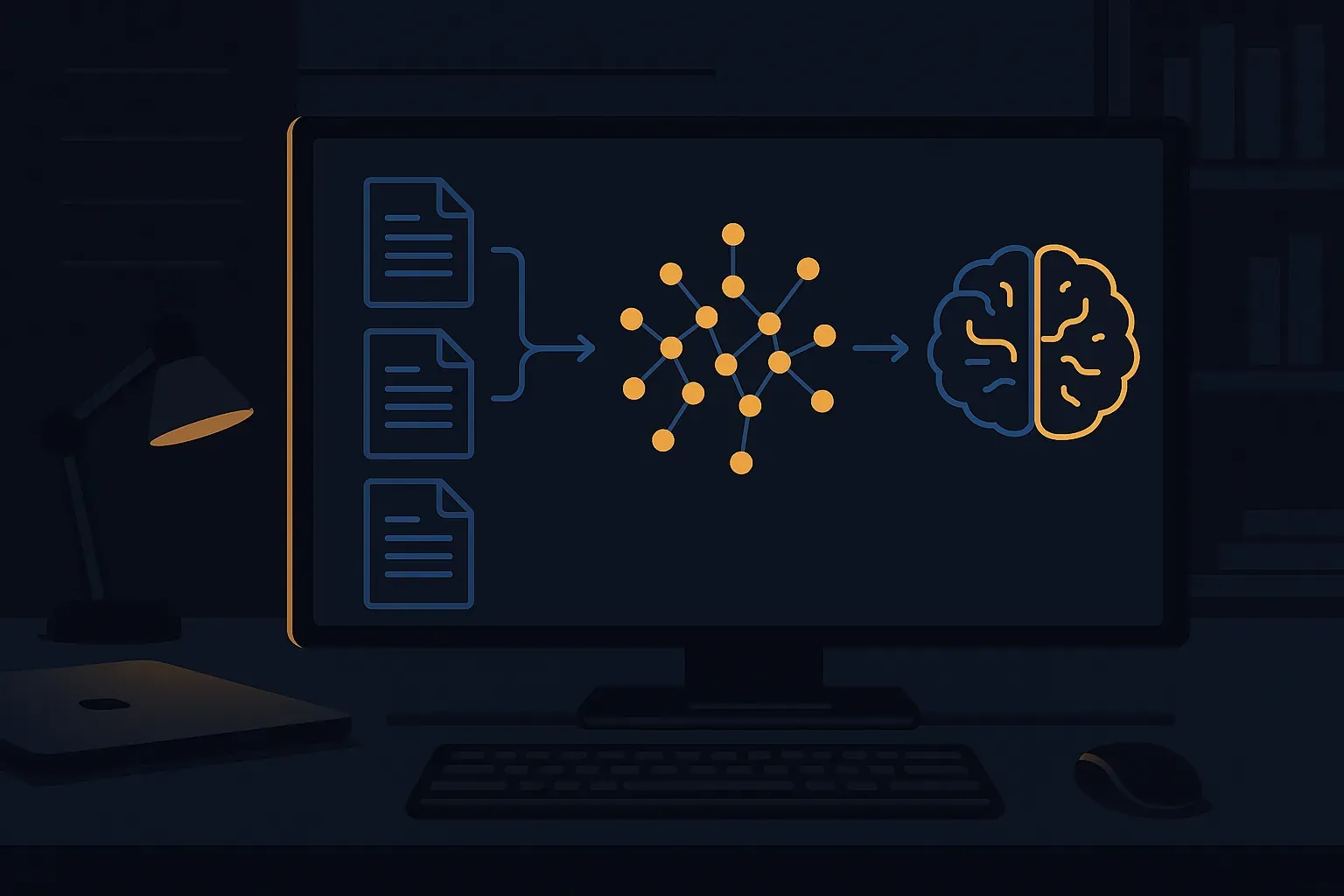
If you've spent any real time navigating SAP documentation — between OSS notes, release guides, configuration manuals, and custom enhancement docs — you already know the pain. Finding the right answer means digging through dozens of PDFs, cross-referencing wiki pages, and hoping someone on your team remembers where that critical note lives. A RAG pipeline for SAP documentation changes that dynamic completely. You get a system that actually understands your corpus and retrieves contextually relevant answers — without sending sensitive data to a commercial cloud API.
In this article, I'll walk you through building a local, production-oriented RAG pipeline using open-source LLMs and vector databases. This is the kind of system I'd actually deploy in a client environment where data governance matters and cloud costs need justification.
Why Local RAG Makes Sense for SAP Environments
Before we get into the architecture, let's be honest about the context. SAP documentation pipelines carry real risk. Your documentation corpus likely contains:
- Internal configuration decisions and technical design documents
- Custom ABAP enhancement specs and BAdi implementations
- Business process descriptions tied to competitive advantage
- Security-relevant configuration notes and audit findings
Sending that content to an external API endpoint — even a reputable one — is a conversation most enterprise security teams will shut down fast. Running everything locally gives you the answer to that question before it's even asked. And with modern open-source LLMs like Mistral 7B, LLaMA 3, or Phi-3, local inference quality is genuinely good enough for documentation Q&A.
RAG Pipeline Architecture Overview
A RAG pipeline has three main phases: ingestion, retrieval, and generation. Here's how I structure it for SAP documentation use cases:
[SAP Docs (PDF/HTML/Wiki)]
        ↓
[Document Loader + Chunker]
        ↓
[Embedding Model (local)] → [Vector Database (Chroma/Qdrant)]

[User Query]
        ↓
[Query Embedding] → [Similarity Search] → [Top-K Chunks]
        ↓
[Prompt Builder + Local LLM (Ollama)] → [Answer]
Simple on paper, but every one of those boxes hides real engineering decisions. Let's walk through them.
Step 1: Document Ingestion and Chunking
SAP documentation comes in messy formats. You'll typically deal with PDFs exported from help.sap.com, HTML pages scraped from SAP Launchpad, Word documents, and internal wiki exports. Each needs different handling.
I use LangChain for the pipeline orchestration here — not because it's perfect, but because it has loaders for most formats and the chunking utilities are battle-tested.
from langchain.document_loaders import PyPDFLoader, DirectoryLoader
from langchain.text_splitter import RecursiveCharacterTextSplitter
import os

def load_sap_documents(docs_path: str):
    """
    Load SAP documentation from a mixed directory.
    Handles PDF and text-based files.
    """
    loader = DirectoryLoader(
        docs_path,
        glob="**/*.pdf",
        loader_cls=PyPDFLoader,
        show_progress=True
    )
    documents = loader.load()
    print(f"Loaded {len(documents)} raw document pages")
    return documents

def chunk_documents(documents):
    """
    Split documents into overlapping chunks.
    Overlap is critical for SAP docs — context often
    spans configuration steps across paragraphs.
    """
    splitter = RecursiveCharacterTextSplitter(
        chunk_size=800,
        chunk_overlap=150,
        separators=["\
\
", "\
", ". ", " ", ""]
    )
    chunks = splitter.split_documents(documents)
    print(f"Created {len(chunks)} chunks")
    return chunks

# Usage
docs = load_sap_documents("/data/sap-docs")
chunks = chunk_documents(docs)
A few hard-won lessons on chunking for SAP content:
- Don't go too small. SAP configuration steps are verbose. Chunks under 400 characters often lose context entirely.
- Overlap matters more than you think. A transaction code or table name mentioned in one sentence often gets explained in the next paragraph. Overlap catches that.
- Add metadata aggressively. Tag every chunk with the source document name, module (FI, MM, SD), and document type. You'll use this for filtered retrieval later.
# Enrich chunks with SAP-specific metadata
for chunk in chunks:
    source = chunk.metadata.get("source", "")
    chunk.metadata["module"] = detect_sap_module(source)  # custom function
    chunk.metadata["doc_type"] = detect_doc_type(source)  # config/release/note

def detect_sap_module(filename: str) -> str:
    module_keywords = {
        "fi": "FI", "co": "CO", "mm": "MM",
        "sd": "SD", "pp": "PP", "hr": "HCM",
        "abap": "ABAP", "basis": "Basis"
    }
    fname_lower = filename.lower()
    for key, value in module_keywords.items():
        if key in fname_lower:
            return value
    return "General"
Step 2: Local Embeddings and Vector Store
For embeddings, I default to nomic-embed-text or all-MiniLM-L6-v2 for local use. Both run fast on CPU and produce decent quality vectors for technical English text. If you have a GPU available, bge-large-en-v1.5 noticeably improves retrieval quality for domain-specific content like SAP documentation.
For the vector database, I use Chroma for development and Qdrant for production deployments. Chroma is simpler to stand up locally; Qdrant gives you better filtering, persistence, and performance under load.
from langchain.embeddings import HuggingFaceEmbeddings
from langchain.vectorstores import Chroma

def build_vector_store(chunks, persist_directory: str):
    """
    Build a local Chroma vector store from document chunks.
    Using HuggingFace embeddings — no API key, no data leaves your machine.
    """
    embeddings = HuggingFaceEmbeddings(
        model_name="sentence-transformers/all-MiniLM-L6-v2",
        model_kwargs={"device": "cpu"},  # swap to "cuda" if available
        encode_kwargs={"normalize_embeddings": True}
    )

    vector_store = Chroma.from_documents(
        documents=chunks,
        embedding=embeddings,
        persist_directory=persist_directory,
        collection_name="sap_documentation"
    )

    vector_store.persist()
    print(f"Vector store persisted at {persist_directory}")
    return vector_store

vector_store = build_vector_store(chunks, "/data/chroma-sap")
On a corpus of 500 typical SAP documentation PDFs, this ingestion step takes roughly 20-40 minutes on a modern laptop CPU. Run it once, persist it, and you're done until the documentation changes.
Step 3: Local LLM with Ollama
Ollama is the cleanest way to run local LLMs right now. It gives you a simple REST API that mirrors OpenAI's interface, which means LangChain integrates with zero friction. Pull a model, start the server, and you're running inference locally.
# Install Ollama, then pull your model
ollama pull mistral:7b-instruct
# or for better quality if you have the hardware:
ollama pull llama3:8b-instruct

# Start the server (default port 11434)
ollama serve
Now wire it into your retrieval chain:
from langchain.llms import Ollama
from langchain.chains import RetrievalQA
from langchain.prompts import PromptTemplate

SAP_PROMPT = PromptTemplate(
    input_variables=["context", "question"],
    template="""You are an SAP technical consultant answering questions
based strictly on the provided documentation excerpts.

If the answer is not contained in the context below, say
"I could not find this in the available documentation" rather than
guessing. For configuration steps, always mention the transaction code
if it appears in the context.

Context:
{context}

Question: {question}

Answer:"""
)

def build_rag_chain(vector_store):
    llm = Ollama(
        model="mistral:7b-instruct",
        base_url="http://localhost:11434",
        temperature=0.1  # keep it factual for docs Q&A
    )

    retriever = vector_store.as_retriever(
        search_type="mmr",  # Maximal Marginal Relevance — reduces repetitive chunks
        search_kwargs={
            "k": 5,
            "fetch_k": 20
        }
    )

    chain = RetrievalQA.from_chain_type(
        llm=llm,
        chain_type="stuff",
        retriever=retriever,
        chain_type_kwargs={"prompt": SAP_PROMPT},
        return_source_documents=True  # essential for trust — show your sources
    )

    return chain

chain = build_rag_chain(vector_store)
Step 4: Query and Response Handling
The chain is set up. Now let's make it usable:
def query_sap_docs(chain, question: str) -> dict:
    """
    Query the RAG pipeline and return answer with sources.
    Always expose sources — SAP consultants need to verify.
    """
    result = chain({"query": question})

    answer = result["result"]
    sources = [
        {
            "source": doc.metadata.get("source", "Unknown"),
            "module": doc.metadata.get("module", "General"),
            "page": doc.metadata.get("page", "N/A")
        }
        for doc in result["source_documents"]
    ]

    # Deduplicate sources
    seen = set()
    unique_sources = []
    for s in sources:
        key = s["source"]
        if key not in seen:
            seen.add(key)
            unique_sources.append(s)

    return {
        "answer": answer,
        "sources": unique_sources
    }

# Example queries
result = query_sap_docs(
    chain,
    "What are the required configuration steps for activating "
    "document splitting in FI?"
)

print(result["answer"])
print("\
Sources used:")
for src in result["sources"]:
    print(f"  - {src['source']} (Module: {src['module']}, Page: {src['page']})")
Making Retrieval More Reliable
Plain cosine similarity retrieval breaks down on SAP-specific terminology. Transaction codes like FB60 or MIGO, table names like BKPF or EKKO, and module abbreviations are short strings that embedding models don't always handle well.
Two improvements that consistently help:
1. Hybrid search (BM25 + vector). Add a keyword search layer alongside semantic search. Qdrant supports this natively. Chroma doesn't out of the box, but you can implement it with a BM25 retriever from LangChain and merge results.
2. Metadata filtering. If the user's question is clearly about FI, restrict retrieval to FI-tagged chunks. This cuts noise dramatically when your corpus spans multiple modules.
# Filtered retrieval example
retriever = vector_store.as_retriever(
    search_kwargs={
        "k": 5,
        "filter": {"module": "FI"}  # only search FI documentation
    }
)
What to Expect in Practice
I've run this type of setup on SAP documentation corpora ranging from a few dozen PDFs to several thousand pages. Realistic expectations:
- Response quality is good for factual questions grounded in the documentation. It falls apart when the answer requires synthesizing across many documents — that's a chunking and retrieval problem, not an LLM problem.
- Inference speed on CPU with Mistral 7B is roughly 3-8 tokens/second. Fine for async workflows, slow for interactive use. A modest GPU (RTX 3080 or better) gets you to 30-50 tokens/second, which feels responsive.
- Hallucination rate drops significantly when you keep temperature low and explicitly instruct the model to say "I don't know" rather than speculate. Your prompt engineering matters here.
This kind of local RAG setup pairs well with the patterns I've described in articles on broader SAP AI topics. If you're working on SAP system integrations that feed into this pipeline, the architecture decisions in SAP BTP Integration Suite for API-Led Connectivity are worth reading, and if you're thinking about event-driven document ingestion — where new notes trigger automatic re-indexing — the patterns in SAP Event Mesh and Event-Driven Architecture are directly applicable.
For teams building ABAP-side tooling around this — say, an ABAP class that calls the local Ollama REST API to answer documentation questions directly from the SAP system — you'll find the integration patterns in Claude API ABAP Integration Without BTP directly transferable. The HTTP client code is essentially the same, just pointed at localhost instead of an external endpoint.
Next Steps
If you want to take this further, the obvious extensions are:
- A simple web UI — Streamlit or Gradio gets you a usable interface in under 50 lines of Python
- Automated re-indexing — Watch a directory for new PDFs and incrementally update the vector store
- Multi-language support — SAP documentation exists in German, Spanish, and others; multilingual embedding models handle this reasonably well
- Evaluation harness — Build a set of known question/answer pairs from your docs and track retrieval precision as you tune chunking and retrieval parameters
The core pipeline above is production-ready for internal tooling. Keep your expectations calibrated: this is a documentation assistant, not an SAP consultant replacement. But for reducing the time your team spends hunting through manuals — it pays for itself quickly.
This article is part of the SAP AI integration & architecture hub — patterns, use cases, and guardrails for AI in SAP systems.