If you've spent any time building CDS views for real S/4HANA projects, you know the feeling: you remember there's an annotation for what you need, but you can't recall the exact syntax. You end up hunting through SAP documentation, Stack Overflow threads, and old project code. This CDS annotations cheatsheet is the reference I wish I'd had from day one — 30 annotations grouped by purpose, with real code snippets and honest notes on when to use them.
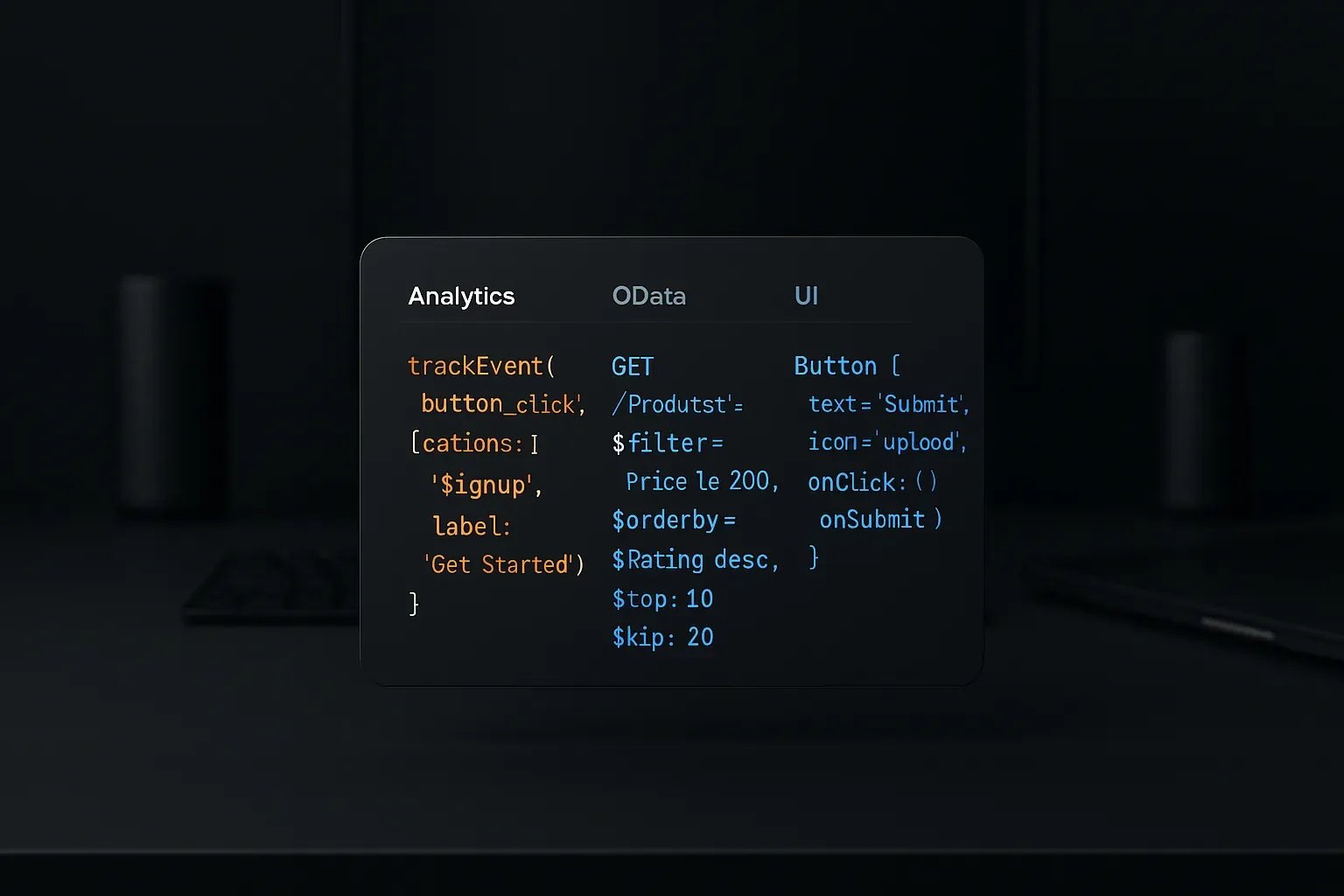
I'm not going to list every annotation in the SAP universe. I'm going to give you the ones that show up in actual project work — Analytics, OData, UI, and Access Control — with enough context to use them confidently.
CDS Annotations Cheatsheet by Category
I've split these into five groups that mirror how you typically build a CDS stack: data modeling, analytics, OData exposure, UI/Fiori, and access control. Let's go through each one.
1. Data Modeling Annotations
These sit at the foundation. They describe what your view is before anything consumes it.
@AbapCatalog.sqlViewName
@AbapCatalog.sqlViewName: 'ZV_SALESORDER'
define view Z_SalesOrder as select from vbak { ... }
Every basic CDS interface view needs this. The SQL view name is what ABAP Open SQL actually queries at the database layer. Keep it under 16 characters — that's the hard limit. I use a prefix pattern like ZV_ for interface views and ZC_ for consumption views, which keeps it readable and consistent across teams.
@AbapCatalog.compiler.compareFilter
@AbapCatalog.compiler.compareFilter: trueTells the ABAP compiler to push filter conditions into the SQL WHERE clause rather than filtering the result set in ABAP memory. You almost always want this set to true on interface views. Set it to false only when you have a specific reason — and document why.
@AbapCatalog.preserveKey
@AbapCatalog.preserveKey: trueWhen your view uses an association or projection and you want the key structure from the underlying view to be preserved rather than redefined. Comes up constantly in stacked CDS architectures where you have interface → composite → consumption layers.
@ClientHandling.algorithm
@ClientHandling.algorithm: #SESSION_VARIABLEControls how client filtering is applied. #SESSION_VARIABLE is the default and right choice for most scenarios. You'll only change this if you're building cross-client reporting views, which is rare and comes with its own access control considerations.
@VDM.viewType
@VDM.viewType: #BASIC
@VDM.viewType: #COMPOSITE
@VDM.viewType: #CONSUMPTION
@VDM.viewType: #EXTENSION
Part of the Virtual Data Model classification. SAP uses this in their own standard views, and you should use it too if you're building views that follow the three-layer architecture. It helps ADT and documentation tools understand the purpose of each view in your stack.
2. OData Exposure Annotations
These control how your consumption view gets published as an OData service — essential if you're exposing data to Fiori apps or external consumers.
@OData.publish
@OData.publish: trueThe simplest way to expose a CDS view as an OData V2 service. Activating this on a consumption view auto-generates the service in /IWFND/MAINT_SERVICE. Quick and effective for prototyping, but for production you'll want more control via @OData.entityType and explicit service binding.
@OData.entityType.name
@OData.entityType.name: 'SalesOrder'Gives your entity type a clean, consumer-friendly name instead of defaulting to the view name. If you've ever seen an OData metadata document full of internal SAP naming conventions, you'll appreciate this annotation immediately.
@OData.entitySet.name
@OData.entitySet.name: 'SalesOrders'Controls the entity set name (the collection-level endpoint). Convention: use plural form here, singular for entity type. Simple rule, but it makes your API feel professional.
@Semantics.amount.currencyCode
@Semantics.amount.currencyCode: 'Currency'
NetAmount : vbap.netwr,
Currency  : vbap.waerk,
Links an amount field to its currency code field. OData clients use this to format amounts correctly. If you skip this, you'll get complaints from Fiori app developers wondering why currency amounts display without proper formatting. I've been that developer — add the annotation.
@Semantics.quantity.unitOfMeasure
@Semantics.quantity.unitOfMeasure: 'Unit'
OrderQuantity : vbap.kwmeng,
Unit          : vbap.vrkme,
Same pattern as currency, but for quantities. Always pair your quantity fields with their unit of measure fields and annotate them both.
@Semantics.currencyCode and @Semantics.unitOfMeasure
@Semantics.currencyCode: true
Currency : vbap.waerk,

@Semantics.unitOfMeasure: true
Unit : vbap.vrkme,
These go on the code or unit fields themselves, marking them as the reference fields. Without these, the OData framework doesn't know these fields are special — it treats them as plain strings.
3. Analytics Annotations
If you're building analytical CDS views for embedded analytics or BW extraction, these are non-negotiable.
@Analytics.dataCategory
@Analytics.dataCategory: #FACT
@Analytics.dataCategory: #DIMENSION
@Analytics.dataCategory: #TEXT
@Analytics.dataCategory: #HIERARCHY
The most important annotation for analytical views. #FACT marks a view as containing measurable data (transactions, amounts, quantities). #DIMENSION marks reference/master data. Getting this wrong causes issues with how HANA's analytical engine processes your queries. Don't guess — decide deliberately based on what the view contains.
@Analytics.query
@Analytics.query: trueTurns a consumption view into an analytical query — the layer that SAP Analytics Cloud, Fiori analytical apps, and the Analytical List Page consume. Only goes on your topmost consumption view, never on interface or composite views.
@Aggregation.default
@Aggregation.default: #SUM
@Aggregation.default: #MIN
@Aggregation.default: #MAX
@Aggregation.default: #AVG
@Aggregation.default: #COUNT_DISTINCT
@Aggregation.default: #NONE
Defines how a measure gets aggregated by default. #SUM for amounts and quantities is almost always correct. #NONE for fields that are dimensions or shouldn't be aggregated. This drives what end users see in analytical reports without needing to configure aggregation manually.
@DefaultAggregation (legacy)
You'll see this in older views. It's functionally similar to @Aggregation.default but deprecated in newer releases. If you're maintaining old code, you'll encounter it — just know what it does and migrate when you can.
@Analytics.dataExtraction.enabled
@Analytics.dataExtraction.enabled: trueEnables the CDS view for data extraction via ODP (Operational Data Provisioning). Relevant if your project includes BW/4HANA or data lake scenarios where you need delta-capable extraction from S/4HANA. Pair it with @Analytics.dataExtraction.delta.changeDataCapture for delta extraction support.
4. UI and Fiori Annotations
These control how fields and actions appear in Fiori Elements apps. For a deeper dive into Fiori Elements-specific annotations, check out our CDS Fiori Elements annotations guide for List Report and Object Page — this section covers the essentials you'll hit first.
@UI.lineItem
@UI.lineItem: [{ position: 10, label: 'Order Number' }]
SalesOrderID : vbak.vbeln,
Defines which fields appear as columns in a List Report table. The position controls column order. Leave gaps between positions (10, 20, 30) so you can insert columns later without renumbering everything. I've seen projects where someone used sequential numbers and regretted it at the first change request.
@UI.selectionField
@UI.selectionField: [{ position: 10 }]
CustomerID : vbak.kunnr,
Makes a field appear as a filter input in the Fiori Elements selection bar. Only add the fields users actually need to filter on — too many selection fields clutters the UI and confuses end users.
@UI.identification
@UI.identification: [{ position: 10 }]
SalesOrderID : vbak.vbeln,
Controls which fields appear in the header area of an Object Page. These are the identifying attributes — typically the key fields and the most important descriptive fields.
@UI.fieldGroup
@UI.fieldGroup: [{ qualifier: 'GeneralData', position: 10 }]
NetAmount : vbap.netwr,
Groups fields into named sections on an Object Page. The qualifier becomes the section identifier that you reference in @UI.facet. Good field grouping is the difference between an Object Page that feels intuitive and one that requires training to navigate.
@UI.facet
@UI.facet: [
  { id: 'GeneralData', type: #COLLECTION, label: 'General Data', position: 10 },
  { id: 'Items', type: #LINEITEM_REFERENCE, label: 'Items', position: 20, targetElement: '_Items' }
]
Defines the tab/section structure of an Object Page. #COLLECTION for grouping field groups, #LINEITEM_REFERENCE for embedding a related table via association. This annotation lives at the view level (above the field definitions), not on individual fields.
@UI.hidden
@UI.hidden: true
TechnicalField : vbak.some_field,
Hides a field from UI rendering while still making it available to OData queries. Use this for key fields you need for navigation or association resolution but don't want displayed as columns or form fields.
@EndUserText.label
@EndUserText.label: 'Net Order Amount'
NetAmount : vbap.netwr,
Sets the human-readable label for a field across all UI surfaces. If you don't set this, Fiori Elements falls back to the field name — and users end up seeing internal field names like "KWMENG" in their apps. Always set meaningful labels on consumption views.
5. Access Control Annotations
These work alongside DCL (Data Control Language) files. For the full picture on row-level security, see our guide on CDS Views row-level security with DCL roles. The annotations themselves are straightforward — the complexity is in the authorization object design.
@AccessControl.authorizationCheck
@AccessControl.authorizationCheck: #CHECK
@AccessControl.authorizationCheck: #NOT_REQUIRED
@AccessControl.authorizationCheck: #NOT_ALLOWED
@AccessControl.authorizationCheck: #PRIVILEGED_ONLY
#CHECK is the default — enforces whatever DCL you've defined. #NOT_REQUIRED skips authorization checks entirely (use carefully, usually only for technical interface views consumed by other CDS views that already check access). #PRIVILEGED_ONLY means the view can only be accessed from privileged ABAP contexts. If you set #NOT_REQUIRED on a consumption view, document why — it will raise questions in every code review.
@MappingRole
Appears in DCL files to map CDS access control conditions to ABAP authorization objects. Not strictly an annotation on the view itself, but you'll deal with it whenever you write or debug DCL roles. Covered in detail in the DCL roles article linked above.
Bonus: Annotations That Affect Performance
Performance is a separate concern — we cover CDS-specific antipatterns in detail in our CDS Views performance antipatterns article — but two annotations directly influence how queries execute.
@ObjectModel.usageType.serviceQuality
@ObjectModel.usageType.serviceQuality: #A
@ObjectModel.usageType.serviceQuality: #B
@ObjectModel.usageType.serviceQuality: #C
@ObjectModel.usageType.serviceQuality: #P
#A = optimized, performance-tested views suitable for all scenarios. #P = planned (not yet optimized). In SAP's standard delivery you'll see all grades. For your custom views, be honest — if it hasn't been performance tested under load, don't mark it #A.
@ObjectModel.usageType.dataClass
@ObjectModel.usageType.dataClass: #TRANSACTIONAL
@ObjectModel.usageType.dataClass: #MASTER
@ObjectModel.usageType.dataClass: #ORGANIZATIONAL
@ObjectModel.usageType.dataClass: #MIXED
Describes the type of data the view exposes. Helps downstream tools and developers understand how frequently the data changes, which affects caching and buffering decisions. Transactional data changes constantly; master data rarely does — treat them accordingly.
Quick Reference Summary
| Annotation | Category | When You Need It |
|---|---|---|
| @AbapCatalog.sqlViewName | Data Modeling | Every basic/interface view |
| @VDM.viewType | Data Modeling | Multi-layer CDS architectures |
| @OData.publish | OData | Quick OData V2 exposure |
| @Semantics.amount.currencyCode | OData | Every monetary amount field |
| @Analytics.dataCategory | Analytics | All analytical views |
| @Aggregation.default | Analytics | Every measure in a fact view |
| @UI.lineItem | UI/Fiori | List Report columns |
| @UI.selectionField | UI/Fiori | List Report filter bar |
| @EndUserText.label | UI/Fiori | Every field on consumption views |
| @AccessControl.authorizationCheck | Access Control | Every view — conscious decision required |
The Rule I Wish Someone Had Told Me Earlier
Annotations accumulate fast. It's tempting to copy a block of annotations from a similar view and adjust from there — which works, but you end up with annotations that don't apply to the new context. Go through each annotation deliberately and ask: does this view actually need this? An interface view doesn't need @UI.lineItem. A consumption view serving only an analytical app doesn't need @OData.publish.
Also worth noting: annotations that live on fields in a consumption view override the same annotations on the underlying interface view. That's by design — it's how you customize the same data for different UI surfaces without duplicating the data layer. Use it intentionally, not accidentally.
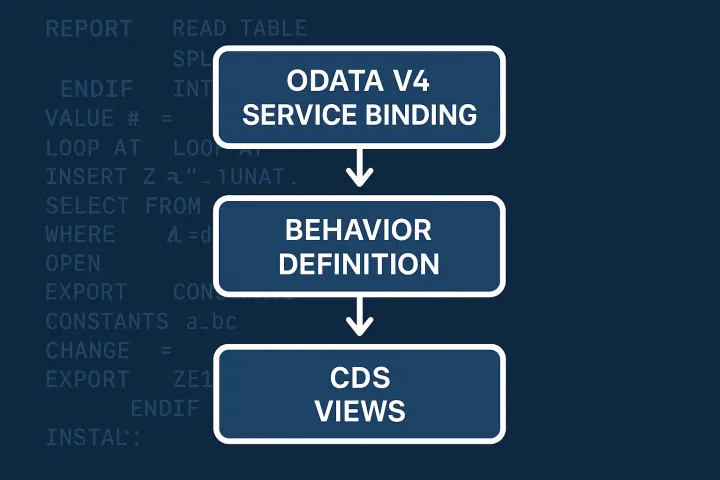
If you're building the full RAP/Fiori stack, the annotations in this CDS annotations cheatsheet connect directly to behavior definitions and service bindings. For a deeper look at how consumption views wire into OData and Fiori, the CDS Views series Part 7 on OData exposure and Fiori integration is worth reading alongside this reference.
Keep this page bookmarked. You'll be back.