You've built your CDS views, activated them, consumed them in a Fiori app — and then the business calls. Queries are slow. Reports time out. The S/4HANA system that was supposed to be blazing fast is grinding through data like it's still running on a classic database. Sound familiar?
The good news: most CDS views performance anti-patterns are completely avoidable once you know what to look for. I've spent years reviewing CDS architectures on HANA systems, and the same ten mistakes keep showing up. Let me walk you through each one — with real code examples — so you don't make them on your next project.
Why CDS View Performance Actually Matters on HANA
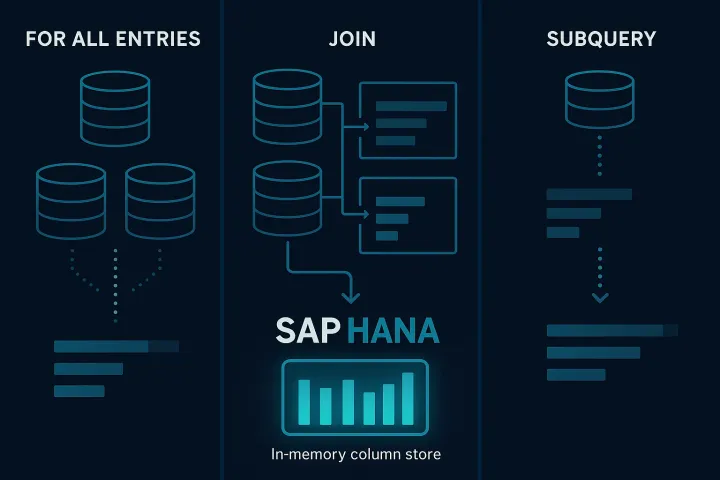
SAP HANA was designed to push computation down to the database layer. CDS views are the primary mechanism for doing that in S/4HANA. When you write a bad CDS view, you're not just writing a slow query — you're actively fighting against the architecture the platform was built for.
HANA's columnar storage, parallelization, and in-memory calculations only help you if your CDS views let them. Every anti-pattern I'll describe below essentially prevents HANA from doing its job.
Anti-Pattern 1: SELECT * Without Column Pruning
This one kills more queries than any other single mistake. Selecting all columns from a wide table like ACDOCA (which has 500+ columns) forces HANA to load far more data into memory than you'll ever use.
-- BAD: Don't do this in a CDS view
define view entity Z_BAD_FINANCE as
  select from acdoca
  {
    *  -- Never. Just never.
  }
-- GOOD: Select only what consumers need
define view entity Z_GOOD_FINANCE as
select from acdoca
{
rclnt,
rbukrs,
gjahr,
belnr,
buzei,
hsl,
ksl
}HANA is a columnar database. It only reads the columns you ask for. Give it room to breathe.
Anti-Pattern 2: Stacking Too Many CDS Layers
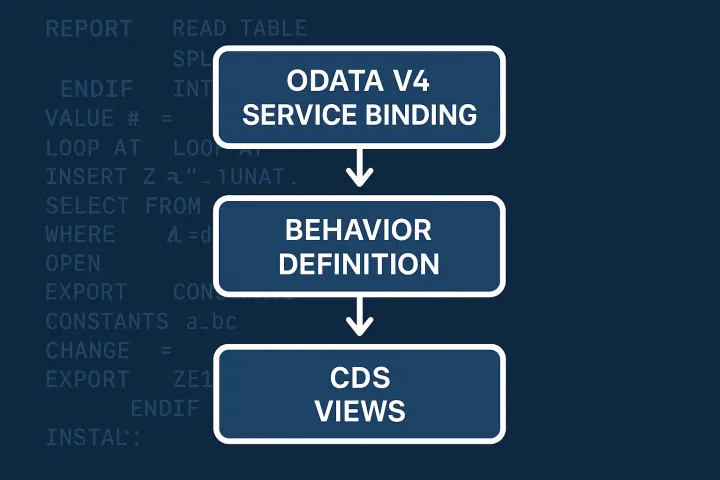
The CDS layering concept — basic interface view, composite view, consumption view — is sound architecture. But I've seen projects build six, seven, eight layers deep, each adding minor transformations. By the time a Fiori query hits the database, it's chained through a view explosion that forces the SQL optimizer to untangle before it can even start working.
Keep your stacks to three or four layers maximum for transactional scenarios. Analytical scenarios with cube/dimension views have their own optimization rules and can tolerate more layers when annotations are correct.
Related: if you're working on consumption views and OData exposure, check out the deep-dive on CDS consumption views and Fiori integration — it covers the layering contract in detail.
Anti-Pattern 3: Misusing Associations Instead of Joins
Associations in CDS are lazy — they only trigger a JOIN when a consumer explicitly navigates them. This is powerful. The problem comes when developers define associations for everything and then consume them everywhere in the same view, which defeats the laziness entirely.
-- BAD: Association that's always used in the same view
define view entity Z_ALWAYS_JOINED as
  select from vbak
  association [0..1] to vbap as _Items
    on $projection.vbeln = _Items.vbeln
  {
    vbak.vbeln,
    vbak.kunnr,
    _Items.matnr,   -- Forces the join every time
    _Items.kwmeng
  }
If you always need the associated data in the same view, use an explicit JOIN. Reserve associations for navigation properties that consumers may or may not need.
The full story on associations vs joins and when to use which is covered in the series article on associations, joins, and navigation properties.
Anti-Pattern 4: Missing or Wrong Client Handling
In a multi-client system, forgetting the client handling annotation — or setting it incorrectly — can result in cross-client data being read and then filtered in the application layer instead of at the database level.
-- Ensure client is properly handled
@ClientHandling.algorithm: #SESSION_VARIABLE
define view entity Z_CLIENT_SAFE as
  select from mara
  {
    mara.matnr,
    mara.mtart,
    mara.matkl
  }
Always be explicit about client handling. Let HANA filter at the earliest possible point in query execution.
Anti-Pattern 5: Scalar Subqueries in the SELECT List
Scalar subqueries — a SELECT inside another SELECT's column list — execute once per row of the outer result set. On a table with a million rows, that's a million additional queries. HANA cannot parallelize these the way it handles joins.
-- BAD: Scalar subquery per row
define view entity Z_SCALAR_SUBQUERY as
  select from vbak
  {
    vbak.vbeln,
    vbak.kunnr,
    -- This kind of pattern kills performance
    ( select count(*) from vbap
      where vbeln = vbak.vbeln ) as item_count
  }
-- GOOD: Aggregate in a separate view, then join
define view entity Z_ITEM_COUNT as
select from vbap
{
vbeln,
count(*) as item_count
}
group by vbeln;
define view entity Z_GOOD_HEADER as
select from vbak
left outer join Z_ITEM_COUNT as ic
on vbak.vbeln = ic.vbeln
{
vbak.vbeln,
vbak.kunnr,
ic.item_count
}Anti-Pattern 6: Non-SARGable Filter Conditions
SARGable means Search ARGument ABLE — a filter the database can resolve using an index or partition pruning. Wrapping columns in functions makes them non-SARGable and forces full table scans even when indexes exist.
-- BAD: Function applied to a column (non-SARGable)
define view entity Z_NON_SARGABLE as
  select from vbak
  {
    vbeln,
    kunnr
  }
  where substring( vbeln, 1, 2 ) = 'OR';

-- GOOD: Use LIKE or a stored prefix field
define view entity Z_SARGABLE as
  select from vbak
  {
    vbeln,
    kunnr
  }
  where vbeln like 'OR%';
This applies to date functions too. If you wrap budat in year() or month(), you're scanning the entire table. Use range conditions with explicit date boundaries instead.
Anti-Pattern 7: Ignoring the @ObjectModel.usageType Annotation
This annotation tells the framework — and the SQL optimizer — how a view is intended to be used. Setting it incorrectly, or not setting it at all, means the system can't apply appropriate execution strategies.
-- For a basic interface view feeding other views:
@ObjectModel.usageType: {
  serviceQuality: #A,
  sizeCategory: #XXL,
  dataClass: #TRANSACTIONAL
}
define view entity Z_BASIC_SALES_ORDER as
  select from vbak { ... }
Getting this wrong on large tables is particularly painful because the optimizer may choose execution plans based on assumed data volumes that are wildly off from reality. This pairs tightly with the buffering strategies covered in the CDS performance optimization article in the series.
Anti-Pattern 8: Unfiltered Analytical Queries on Transactional Tables
This is the big one in Fiori reporting scenarios. A consumption view for an analytical query hits a transactional table like ACDOCA or BSEG without mandatory filter parameters. The user opens the Fiori app and triggers a query that tries to aggregate years of financial data across all company codes.
-- Enforce mandatory filters with parameters
define view entity Z_FI_QUERY
  with parameters
    p_gjahr : gjahr,
    p_bukrs : bukrs
as select from acdoca
{
  acdoca.rbukrs,
  acdoca.gjahr,
  acdoca.racct,
  sum( acdoca.hsl ) as total_hsl
}
where
  acdoca.gjahr = $parameters.p_gjahr
  and acdoca.rbukrs = $parameters.p_bukrs
group by
  acdoca.rbukrs,
  acdoca.gjahr,
  acdoca.racct
If you're working with parameters and session variables in CDS, the series article on virtual elements and parameters covers the full pattern.
Anti-Pattern 9: DCL Conditions That Cause Full Table Scans
Data Control Language access controls in CDS are essential for security, but poorly written DCL conditions can destroy query performance. If your access control joins to a wide authorization table without proper indexing, every query through that view pays that tax.
-- BAD DCL: Unindexed join in access control
define role Z_BAD_SALES_ROLE {
  grant select on Z_SALES_VIEW
    where ( bukrs ) = aspect pfcg_auth( V_VBAK_VKO, BUKRS, ACTVT = '03' );
}
Test your DCL conditions in isolation before attaching them to performance-critical views. The article on CDS row-level security with DCL roles goes deep on writing efficient access controls that don't kill your query speed.
Anti-Pattern 10: Skipping the SQL Explain Plan
This isn't a code mistake — it's a process mistake, and it's the one that lets all the other nine mistakes survive to production. Developers activate a CDS view, it works functionally, and it ships. Nobody looks at the explain plan until an end user complains.
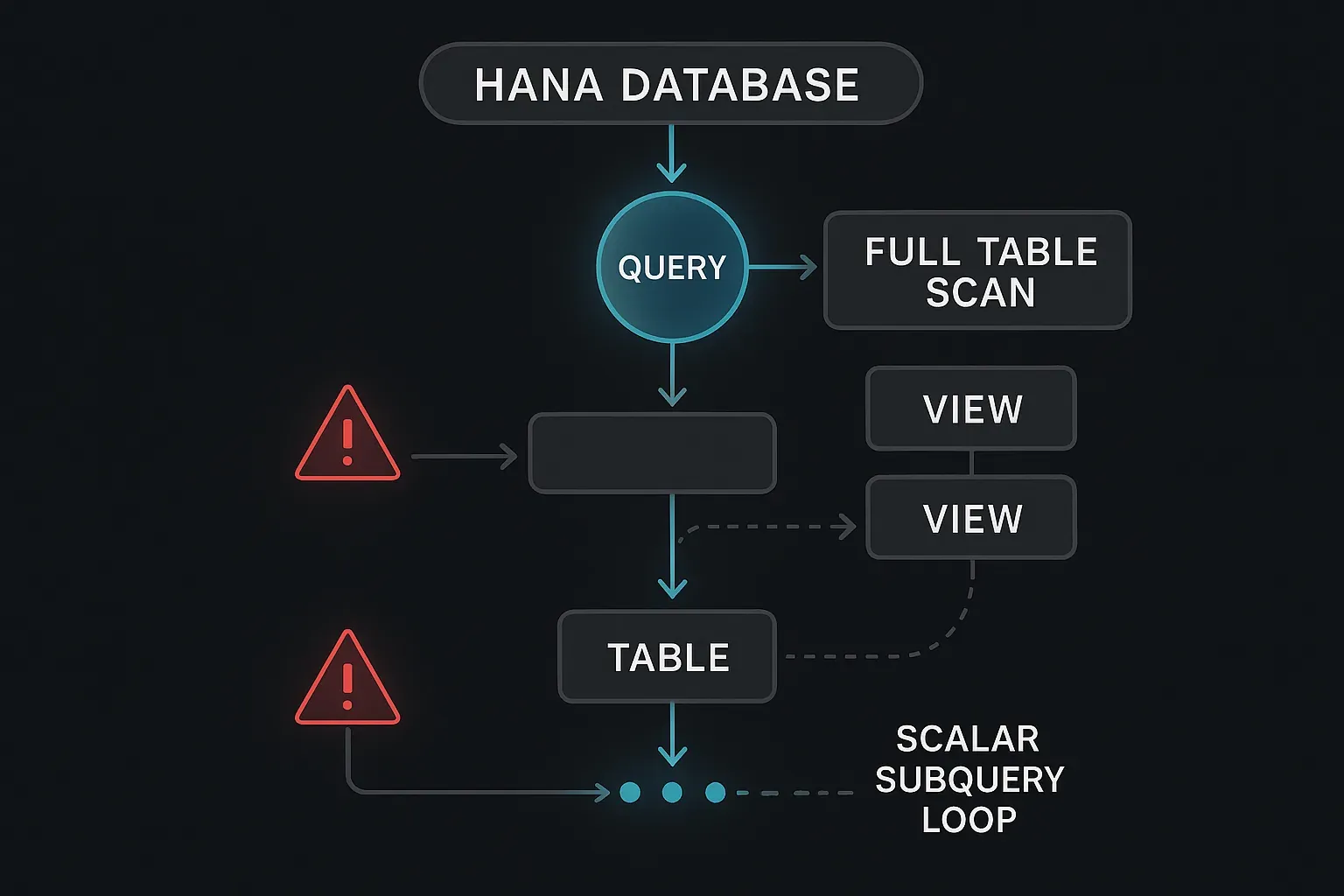
In HANA Studio or the SAP HANA Database Explorer, you can run an explain plan on any CDS-generated SQL. Look for:
- Full Table Scan operators on large tables — immediate red flag
- Row-by-row operations that should be set-based
- Unnested scalar subquery patterns
- Estimated row counts that are wildly off from actuals (statistics may need updating)
Make the explain plan review part of your CDS code review checklist. If it's not on the checklist, it won't happen consistently.
Quick Reference: The 10 Anti-Patterns
- SELECT * without column pruning
- Too many CDS stack layers (5+)
- Always-navigated associations instead of explicit joins
- Missing or incorrect client handling
- Scalar subqueries in the SELECT list
- Non-SARGable filter conditions (functions on columns)
- Wrong or missing @ObjectModel.usageType annotation
- Unfiltered analytical queries on transactional tables
- Poorly designed DCL conditions causing full scans
- Never reviewing the SQL explain plan
Where to Start if You Have Existing Performance Problems
If you're dealing with a slow CDS view right now, start with anti-pattern 10 — run the explain plan first. That will tell you whether you're hitting anti-patterns 1, 5, or 6. Then look at your layering depth (anti-pattern 2) and check whether your most expensive views are missing the usageType annotation (anti-pattern 7).
The layering and annotation issues often give you the biggest wins for the least refactoring effort, because fixing them doesn't require changing the business logic — just the structural metadata.
CDS views are one of the most powerful tools in the S/4HANA developer toolkit. Used well, they push complex computation to exactly the right layer. Used carelessly, they create a bottleneck between your application and the fastest in-memory database SAP has ever shipped. The 10 anti-patterns above are the line between those two outcomes.