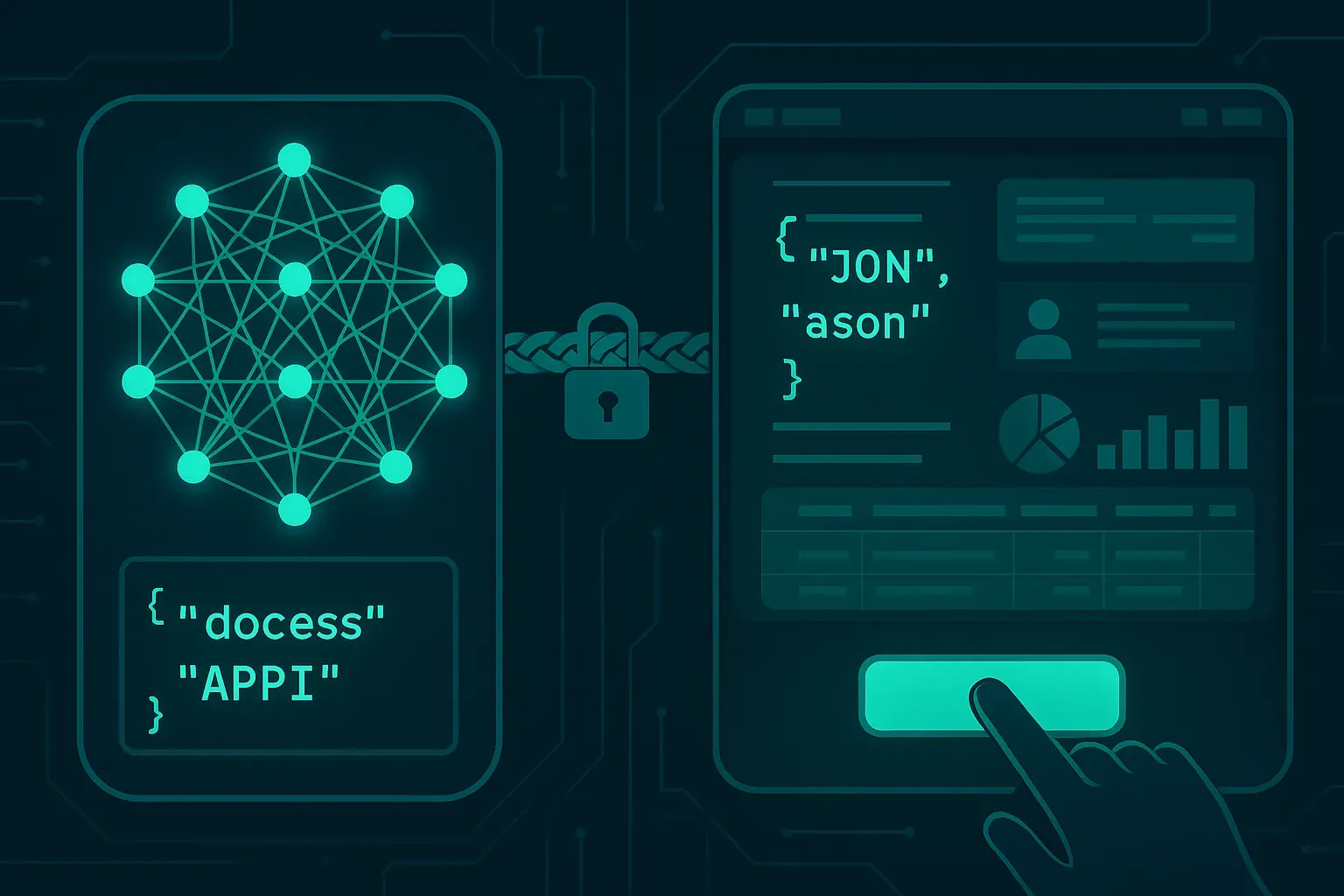
One of the most exciting capabilities that modern LLMs bring to enterprise development is function calling — the ability for the model to not just generate text, but to decide when and how to invoke real code. When you wire this up with ABAP and live BAPIs, you are no longer building a chatbot. You are building an AI agent that can read purchase orders, create deliveries, or check stock — all driven by natural language intent.
This article walks you through how to implement claude function calling abap integration safely: defining tool schemas, parsing Claude's structured responses, routing to the right BAPI, and — critically — keeping humans in the loop before anything irreversible happens.
If you have already set up the basic Claude API connection from ABAP (no middleware required), make sure you have read Claude API ABAP Integration Without BTP first. This article builds directly on top of that foundation.
What Is Function Calling in Claude?
Claude's function calling (also called "tool use" in Anthropic's API) lets you declare a set of tools — with names, descriptions, and JSON Schema parameter definitions — and pass them along with your user message. Claude reads the user's intent and, if appropriate, responds not with prose but with a structured JSON payload naming the tool it wants to call and the arguments it has extracted.
Your ABAP code then reads that payload, validates the arguments, calls the actual BAPI, and optionally feeds the result back to Claude for a final natural-language reply.
The key insight: Claude does not call anything itself. It tells you what it wants to call. You are always in control of execution. This is what makes the pattern safe for production SAP systems.
The Architecture in Three Steps
- Define tools — describe your BAPIs as JSON Schema objects and send them with the API request.
- Parse the tool call — detect when Claude returns a
tool_useblock and extract arguments. - Execute and respond — validate, call the BAPI, return the result to Claude for a human-readable summary.
Let's go through each step with real ABAP code.
Step 1 — Define Your BAPI as a Claude Tool
The tool definition is a JSON object you include in the API request body under the tools array. Here is a tool that wraps BAPI_MATERIAL_AVAILABILITY to check stock levels:
METHOD build_tool_definitions.
  DATA(lv_tools) = `[
    {
      "name": "check_material_stock",
      "description": "Check available stock for a material at a given plant. Use this when the user asks about stock, availability, or inventory levels.",
      "input_schema": {
        "type": "object",
        "properties": {
          "material": {
            "type": "string",
            "description": "SAP material number, e.g. MAT-1000"
          },
          "plant": {
            "type": "string",
            "description": "SAP plant code, e.g. 1000"
          }
        },
        "required": ["material", "plant"]
      }
    }
  ]`.

  rv_tools = lv_tools.
ENDMETHOD.
A second tool for a write operation — creating a transfer order — would follow the same pattern but with a much more explicit description warning about what it does. Description quality matters enormously here. Claude uses the description, not just the schema, to decide when to invoke a tool. Be precise about intent.
Step 2 — Sending the Request to Claude
The request body now needs a tools field alongside messages. Here is the relevant ABAP snippet:
METHOD call_claude_with_tools.
  DATA: lo_http_client TYPE REF TO if_http_client,
        lv_request_body TYPE string,
        lv_response_body TYPE string.

  " Build request payload
  DATA(lv_tools) = build_tool_definitions( ).

  lv_request_body = |\{| &
    |"model": "claude-opus-4-5",| &
    |"max_tokens": 1024,| &
    |"tools": { lv_tools },| &
    |"messages": [| &
    |  \{ "role": "user", "content": "{ escape_json( iv_user_message ) }" \}| &
    |]| &
    |\}|.

  " HTTP call using IF_HTTP_CLIENT (same pattern as base integration)
  CALL METHOD lo_http_client->request->set_cdata
    EXPORTING data = lv_request_body.

  lo_http_client->send( ).
  lo_http_client->receive( ).

  lv_response_body = lo_http_client->response->get_cdata( ).

  " Parse and route
  handle_claude_response( lv_response_body ).
ENDMETHOD.
Notice I am using string concatenation with |...| template literals. For production, you should build this with a proper JSON library or at minimum a dedicated JSON builder class to avoid injection issues. The OpenAI API ABAP authentication guide has a solid pattern for HTTP client reuse that applies here too.
Step 3 — Parsing the Tool Call Response
When Claude wants to use a tool, the response content array contains a block with type: "tool_use". Your parser needs to detect this and branch accordingly:
METHOD handle_claude_response.
  " Simplified JSON parsing — use /UI2/CL_JSON or similar in production
  IF iv_response_body CS '"type": "tool_use"'.
    process_tool_call( iv_response_body ).
  ELSE.
    " Regular text response — display to user
    DATA(lv_text) = extract_text_content( iv_response_body ).
    display_to_user( lv_text ).
  ENDIF.
ENDMETHOD.

METHOD process_tool_call.
  DATA: lv_tool_name TYPE string,
        lv_tool_id   TYPE string,
        ls_input     TYPE ty_tool_input.

  " Extract tool name and input from response JSON
  lv_tool_name = extract_json_value( iv_json = iv_response_body
                                     iv_path = 'content[0].name' ).
  lv_tool_id   = extract_json_value( iv_json = iv_response_body
                                     iv_path = 'content[0].id' ).

  CASE lv_tool_name.
    WHEN 'check_material_stock'.
      ls_input-material = extract_json_value( iv_json = iv_response_body
                                              iv_path = 'content[0].input.material' ).
      ls_input-plant    = extract_json_value( iv_json = iv_response_body
                                              iv_path = 'content[0].input.plant' ).
      execute_stock_check( is_input  = ls_input
                           iv_tool_id = lv_tool_id ).
    WHEN 'create_transfer_order'.
      " Write operation — always confirm before executing
      request_user_confirmation( iv_tool_name = lv_tool_name
                                 iv_raw_input = iv_response_body ).
    WHEN OTHERS.
      " Unknown tool — log and fail gracefully
      log_unknown_tool( lv_tool_name ).
  ENDCASE.
ENDMETHOD.
Executing the BAPI Safely
Read-only BAPIs like availability checks can execute immediately. Write BAPIs must go through a confirmation step. This is not optional — it is the whole point of building this safely.
METHOD execute_stock_check.
  DATA: ls_av_qty TYPE bapimrpavailability,
        lt_return TYPE TABLE OF bapiret2.

  " Input validation before BAPI call
  IF is_input-material IS INITIAL OR is_input-plant IS INITIAL.
    return_tool_error( iv_tool_id = iv_tool_id
                       iv_message = 'Material and plant are required' ).
    RETURN.
  ENDIF.

  " Whitelist check — only allow plants this user can access
  IF NOT is_plant_authorized( is_input-plant ).
    return_tool_error( iv_tool_id = iv_tool_id
                       iv_message = 'Plant not authorized for current user' ).
    RETURN.
  ENDIF.

  CALL FUNCTION 'BAPI_MATERIAL_AVAILABILITY'
    EXPORTING
      plant    = is_input-plant
      material = is_input-material
    IMPORTING
      av_qty_plt = ls_av_qty
    TABLES
      return = lt_return.

  " Build result and send back to Claude for summarization
  DATA(lv_result) = |Material { is_input-material } at plant { is_input-plant }: | &
                    |available qty = { ls_av_qty-avail_qty }|.

  send_tool_result_to_claude( iv_tool_id = iv_tool_id
                               iv_result  = lv_result ).
ENDMETHOD.
Two things to notice here. First, I am checking plant authorization against the current SAP user's authorizations — not just trusting Claude's output. Claude extracted the plant from user input; a user could say "plant 9999" for a plant they have no business accessing. Your authorization objects still apply. Second, I am returning errors to Claude via the tool result, not just raising an ABAP exception. This lets Claude give the user a sensible error message in natural language.
Feeding the Result Back to Claude
The multi-turn conversation looks like this: user message → Claude tool call → your BAPI execution → tool result back to Claude → Claude's final text response to user. The second Claude call includes the original messages plus the tool result:
METHOD send_tool_result_to_claude.
  DATA(lv_request) = |\{| &
    |"model": "claude-opus-4-5",| &
    |"max_tokens": 512,| &
    |"tools": { build_tool_definitions( ) },| &
    |"messages": [| &
    |  \{ "role": "user", "content": "{ mv_original_user_message }" \},| &
    |  \{ "role": "assistant", "content": { mv_assistant_tool_use_block } \},| &
    |  \{ "role": "user", "content": [| &
    |    \{| &
    |      "type": "tool_result",| &
    |      "tool_use_id": "{ iv_tool_id }",| &
    |      "content": "{ escape_json( iv_result ) }"| &
    |    \}| &
    |  ] \}| &
    |]| &
    |\}|.

  " Make the second HTTP call and display final response
  DATA(lv_final_response) = call_claude_api( lv_request ).
  display_to_user( extract_text_content( lv_final_response ) ).
ENDMETHOD.
Claude will now generate a clean, human-readable response like: "The available stock for material MAT-1000 at plant 1000 is 340 units." Your user never sees raw JSON.
Safety Rules You Cannot Skip
Function calling in production SAP is powerful enough to do real damage if you are careless. Here are the non-negotiable rules:
- Read operations run automatically; write operations require confirmation. Always. No exceptions for "trusted" users.
- Validate all extracted arguments before passing to any BAPI. Claude is doing its best, but it can misread material numbers or plant codes, especially for ambiguous input.
- Honor SAP authorization objects. Your BAPI call runs under the current dialog user's session. But add an explicit pre-check so you can return a clean Claude-readable error rather than a cryptic BAPI RETURN table message.
- Log every tool invocation. Write to a custom Z-table: timestamp, user, tool name, input arguments, result, whether it was confirmed or auto-executed. This is your audit trail.
- Limit your tool surface area. Start with two or three read-only BAPIs. Prove the pattern works and build trust before adding write operations.
For ideas on how to structure the quality review of AI-assisted ABAP code in general, the LLM-generated ABAP code quality review guide has a good checklist that adapts well here.
Handling Multi-Step Tool Chains
Users will inevitably ask questions that require more than one BAPI. "Show me the stock for MAT-1000 at all my plants" might trigger multiple check_material_stock calls in sequence. Claude can request tools iteratively — each response might contain another tool call rather than a final text response.
Your ABAP loop needs to handle this:
METHOD run_agent_loop.
  DATA: lv_iteration TYPE i VALUE 0,
        lv_max_iter  TYPE i VALUE 5,  " Safety cap
        lv_response  TYPE string,
        lv_done      TYPE abap_bool VALUE abap_false.

  lv_response = call_claude_with_tools( iv_user_message = iv_user_message ).

  WHILE lv_done = abap_false AND lv_iteration < lv_max_iter.
    ADD 1 TO lv_iteration.

    IF lv_response CS '"type": "tool_use"'.
      " Process tool call, get result, send back
      DATA(lv_tool_result) = process_and_execute_tool( lv_response ).
      lv_response = continue_conversation_with_result( lv_tool_result ).
    ELSE.
      " Final text response
      display_to_user( extract_text_content( lv_response ) ).
      lv_done = abap_true.
    ENDIF.
  ENDWHILE.

  IF lv_iteration >= lv_max_iter.
    display_to_user( 'Request required too many steps. Please be more specific.' ).
  ENDIF.
ENDMETHOD.
The iteration cap is important. Without it, a poorly described tool or an ambiguous user query can send you into an infinite loop of tool calls. Five iterations is usually plenty for real business queries.
Practical Use Cases Worth Implementing First
Based on what tends to deliver value quickly in SAP environments:
- Stock availability checks — read-only, immediate, high query volume from warehouse and logistics teams
- Purchase order status lookup —
BAPI_PO_GETDETAIL, again read-only, asked constantly by procurement - Vendor master display — useful for accounts payable teams who know a name but not a vendor number
- Delivery status queries — shipping teams love this; combine with
BAPI_OUTB_DELIVERY_GET_LIST
If you are also exploring AI for document extraction in SAP — like processing inbound invoices — the approach in AI invoice extraction with SAP LLM vision complements this pattern well. You extract structured data from a document, then use function calling to post it through the right BAPI.
What Comes Next
Once you have the basic function calling loop working reliably, the natural next steps are:
- Building a persistent conversation context store (so users can refer to "the order I mentioned earlier")
- Adding anomaly detection on top of your BAPI results — surface outliers before the user even asks. The approach in AI anomaly detection for SAP transactional data gives you a solid starting point for this layer.
- Wrapping your tool executor in an authorization-aware service class that multiple frontends (Fiori, Teams bot, email assistant) can call through a common interface
The function calling pattern is what separates an LLM integration that impresses in a demo from one that genuinely replaces manual lookup work. Getting the safety layer right from the start — authorization checks, confirmation flows, audit logging — is what makes it something you can actually deploy without losing sleep.
Build the read-only tools first. Ship them. Get feedback. Then carefully expand to write operations once your team trusts the plumbing.
Further Reading
Prefer OpenAI's API? See Calling the OpenAI API from ABAP: Authentication, Streaming, and Error Handling.
This article is part of the SAP AI integration & architecture hub — patterns, use cases, and guardrails for AI in SAP systems.